Retail Media Planning
Part of Retail search optimisation
Reviewing search terms for sponsored retail campaigns
Review search terms to decide which shopper intentions deserve more exposure and which are irrelevant to the advertised product.
Review search terms to determine which shopper intentions merit more exposure and which are irrelevant to the advertised product. Do not begin by raising every bid on a term with one sale or blocking every term with none.
Understand what the report contains
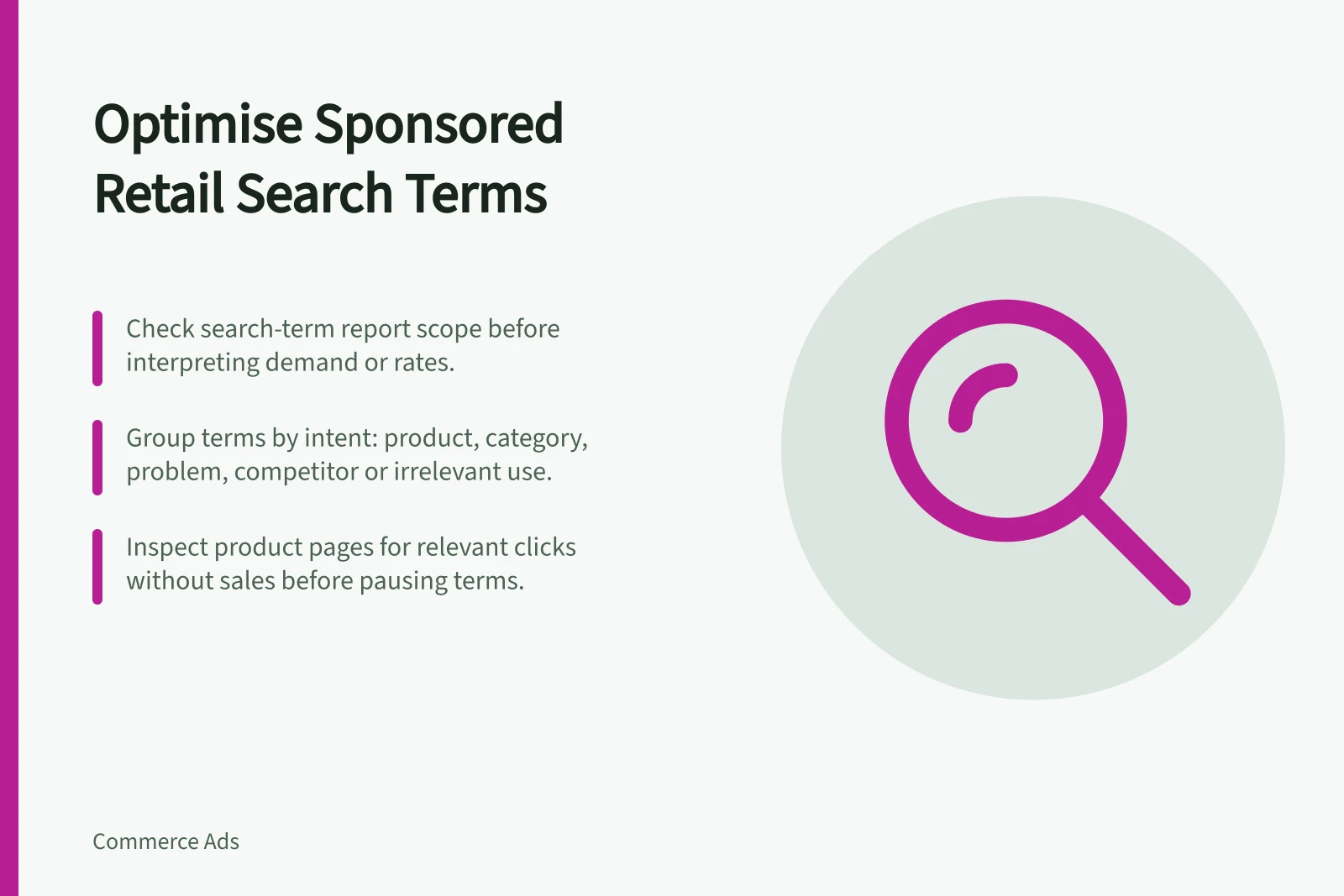
The report has a defined scope, so check it before interpreting demand or calculating a rate from campaign-level totals.
Group rows by intent: exact product or model, category, problem to solve, competitor reference, and irrelevant use. Check which advertised item received the click. A useful term for one product may be misleading for another. Look at a period long enough for your sales cycle and avoid drawing firm conclusions from a handful of clicks.
Relevant vs Irrelevant Search Terms: Key Differences
- Relevant Search Terms
- Match shopper intent to product (e.g., exact model, category, problem-solving)
- Irrelevant Search Terms
- Do not align with advertised product (e.g., competitor references, unrelated uses)
Make one decision at a time
For a relevant group with sales, consider whether margin and stock support more spend. For repeated irrelevant clicks, investigate negatives or narrower targeting. For relevant clicks without sales, inspect the product page before cutting the term: the buyer may not find the size, compatibility or price information promised by the ad.
Record why you changed a target and when. Review the outcome after enough new traffic accrues. A search-term review is a cycle of hypotheses and checks, not a one-off list of “good” and “bad” words.
Search Term Review Checklist
- Group terms by shopper intentExact product/model, category, problem to solve, competitor reference, irrelevant use
- Verify which product received the clickA term useful for one product may mislead for another
- Assess sales performance and marginConsider stock availability and profitability before increasing spend
- Inspect product page if no salesCheck size, compatibility, price clarity – buyer may be deterred by missing info
- Record changes and review outcomesTreat review as a cycle of hypothesis and validation, not a one-off decision
Search Term Optimisation Process
- Analyse search term reportIdentify intent groups and track clicks over a full sales cycle
- Evaluate relevance and performanceDistinguish between high-intent terms and misleading or irrelevant ones
- Make targeted adjustmentsAdjust bids, add negatives, or refine targeting based on insight
- Monitor results and iterateReview impact after sufficient traffic; treat as ongoing improvement cycle