Incrementality Testing
Part of Retail search optimisation
Diagnosing clicks without retailer product-page sales
Clicks without product-page sales do not prove the bid is wrong.
Clicks without product-page sales do not prove the bid is wrong. The ad might reach a relevant shopper who then encounters the wrong variant, unclear compatibility, an unattractive delivery offer, or a page that fails to answer the buying question.
Check the route and the offer
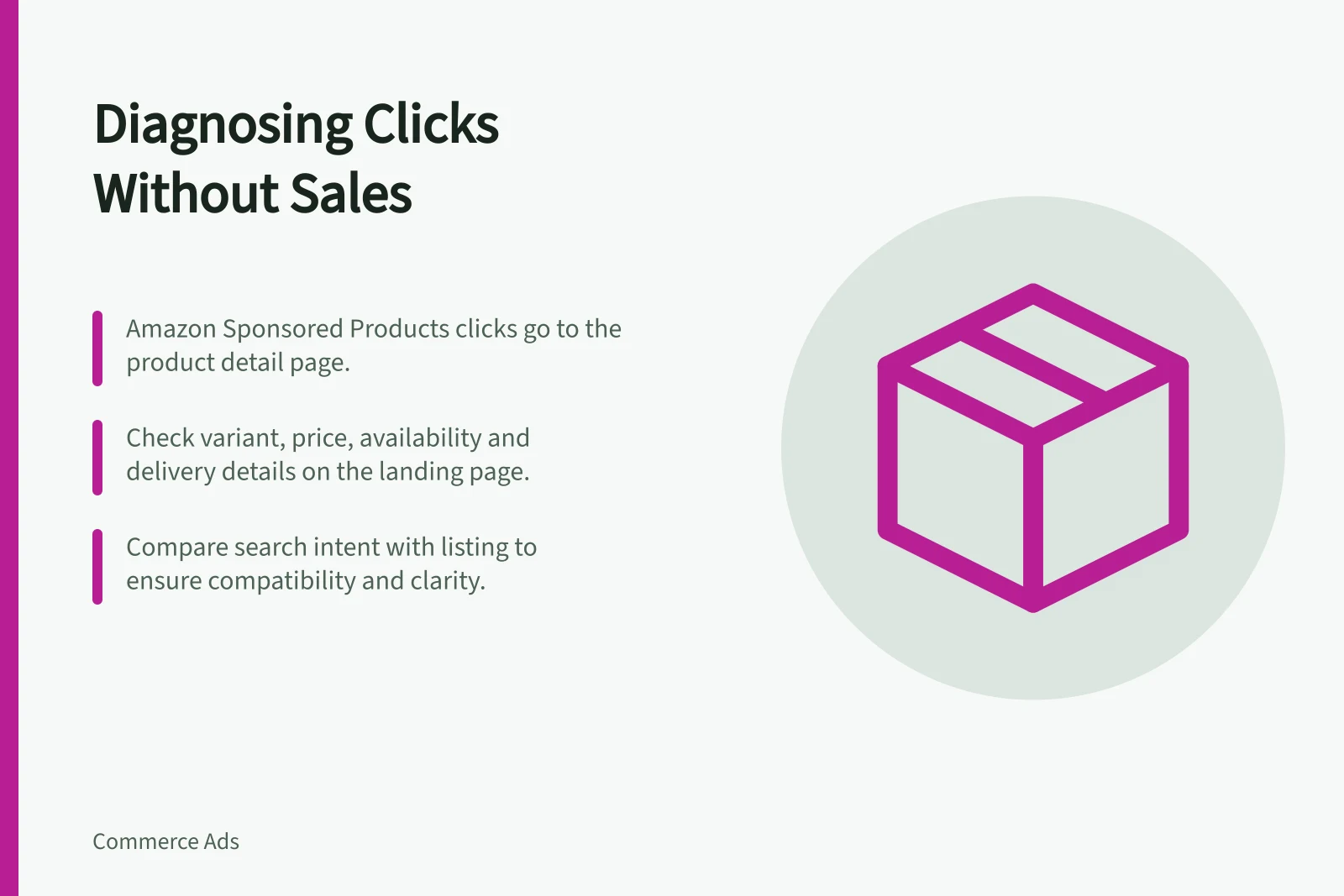
Open the destination from a representative ad and confirm product, variant, price, availability and delivery information. Amazon says Sponsored Products clicks take shoppers to the advertised product's detail page. Its detail-page guidance recommends clear titles, multiple useful images and details such as dimensions and contents. A relevant query cannot compensate for missing decision information after the click.
Compare search intent with the listing. If the term implies a replacement part, show compatible models. If it implies a size or pack quantity, make that unambiguous. Examine reviews and questions for recurrent confusion, distinguishing customer feedback from verified product facts.
Amazon Sponsored Products Best Practice Guidelines
- Recommended listing elements
- Clear titles, multiple images, dimensions, contents, compatibility details
- Destination page requirement
- Ads must direct to the advertised product's detail page
- Optimisation focus
- Ensure decision-making information is present post-click
Separate weak evidence from a pattern
One or two clicks without a sale are not a diagnosis. Look at a consistent period, sufficient traffic for the product's normal conversion rate and any changes in stock or price. Remember that platform-attributed sales may follow its own attribution rules; reconcile with retailer data where possible without expecting exact matches.
Change the most plausible cause first. Correct a mismatched page or pause an unavailable item before increasing bids. If the page is strong and terms remain irrelevant, refine targeting instead.