Retail Media Planning
Part of Sponsored product campaigns
Matching a sponsored listing with a useful product page
Check that a sponsored listing’s product, variant, claim and purchase route are supported by its live product page.
Before launching a sponsored listing, follow its click to the live product page. The page should confirm the promised item and answer the question that prompted the click. Sign off the listing and page as a pair; a relevant placement is useless if the destination shows the wrong variant or leaves essential buying details unclear.
Compare the promise with the page
Review the listing and destination side by side on the devices covered by the booking. Compare product name, image, size or pack quantity, colour, price and any offer claim. If the listing names one variant, the page should make that variant easy to recognise and select. If the search implies a particular use, the page should state the information needed to check that fit.
For any retailer’s unit, confirm both the click destination and how the listing is assembled.
Listing promise / Page check
- Named size or pack
- Matching variant and quantity can be selected and bought.
- Replacement or accessory
- Compatible models or dimensions are stated.
- Feature or benefit
- Accurate details support the claim.
- Offer
- Current price and applicable conditions agree with the message.
This is a pre-launch accuracy check, not a conversion forecast.
Matching Listing Promise with Product Page Requirements
- Listing promise
- Named size or pack
- Page check
- Matching variant and quantity can be selected and bought
- Listing promise
- Replacement or accessory
- Page check
- Compatible models or dimensions are stated
- Listing promise
- Feature or benefit
- Page check
- Accurate details support the claim
- Listing promise
- Offer
- Page check
- Current price and applicable conditions agree with the message
Make the decision details usable
An informative title and clear images help identify the item. Add needed facts: contents, dimensions, materials, use, compatibility or care information where relevant. Amazon recommends readable titles, useful images, concise feature points and a helpful description on its product detail pages, but these are not mandatory specifications for every retailer.
Put important differences between similar variants where shoppers can find them. Ask the retailer or catalogue owner which fields the advertiser can edit and how corrections are made, as a brand may not control every part of a retailer product page.
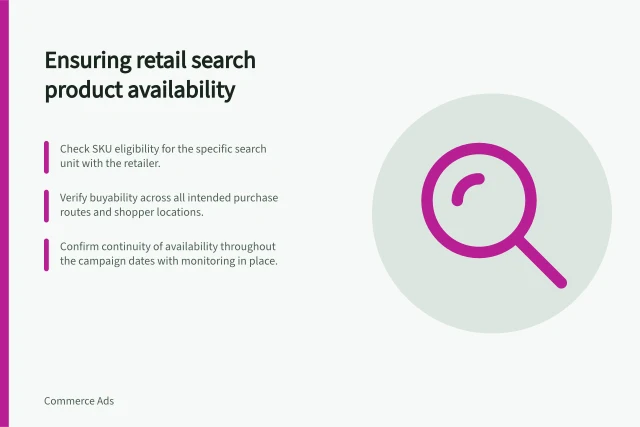
Verify the live buying route
Check that the advertised variant is available through the relevant delivery or collection option. Availability can vary by location and change during the campaign; price and promotions can change too. Record who will recheck the page after catalogue, price or stock updates. An approval screenshot captures one moment only.
Amazon’s guide recommends choosing products that are in stock and display the featured offer, but meeting those recommendations does not establish that the page answers the buyer’s question. Nectar360’s public Sainsbury’s and Argos placement descriptions likewise do not establish the destination or buyability of a particular advertiser’s SKU. Inspect the proposed route itself.
Sign off the listing-page pair
For each advertised SKU, retain the listing version, destination, exact variant, essential claim, buyability check and page owner. Launch only when the destination supports the listing’s promise. If the route shows the wrong item, correct it or remove that SKU from the launch set. If an essential detail is missing, have the page owner resolve it before the listing runs.
This sign-off prevents an identifiable mismatch before launch. Investigating clicks without sales after a campaign starts is a separate decision.