Retail Media Planning
Part of Retail search optimisation
Adjusting bids when product availability changes
Availability changes the value of a retail ad click.
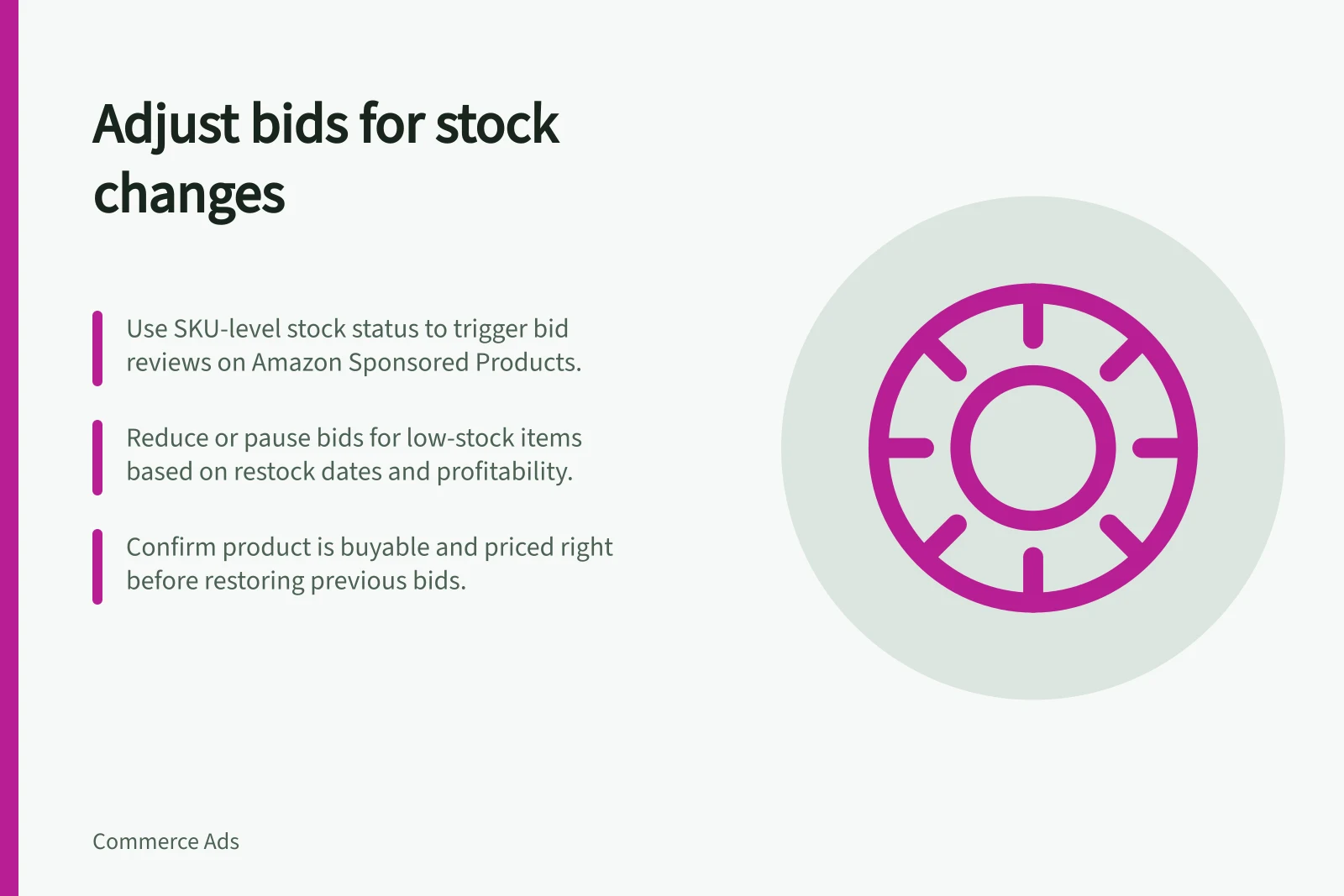
Use SKU-level availability as a reason to review bids and product selection. For Amazon Sponsored Products, ads appear only when the advertised item is in stock; when stock is low but the product remains buyable, reduce exposure or pause according to stock cover, delivery and profitability.
Amazon UK Advertising Best Practices: Availability & Performance
- Ad visibility depends on stockSponsored Products only appear when the advertised SKU is in stock.
- Recommended product featuresPrime badge, positive reviews, competitive pricing for better ad performance.
- Stock cover thresholdLow stock cover should prompt bid reduction or pause to avoid wasted spend.
Separate platform serving from your plan
Check the actual advertised SKU and its detail page, not the category’s total stock. Variants can have different stock, restock dates can slip, and other retailers or channels may use different rules.
Use an out-of-stock change, short stock cover for the planned campaign or a slipping restock date as a prompt to review the bid. Amazon Sponsored Products stop appearing when the advertised item is out of stock, so focus on products that remain available and at risk of running short.
For a low-stock product, reduce its bid or pause it; alternatively, select a genuinely suitable product. Do not redirect a precise query to a different item without checking fit. In the campaign, select the advertised product and update its bid using the campaign’s bid controls.
Before restoring a previous bid when stock returns, confirm that the detail page is buyable and the price supports the bid. Also check whether the product displays the featured offer; Amazon’s UK guidance recommends reasonably priced products in stock, and also recommends products with a Prime badge and positive reviews.
Adjusting Bids When Product Availability Changes
- Check SKU-level availabilityVerify the advertised SKU’s stock status, restock date, and detail page availability on Amazon UK.
- Assess stock cover and delivery timelinesEvaluate if low stock affects delivery promises or increases fulfilment costs; adjust accordingly.
- Reduce bid or pause campaignLower bid for low-stock items or pause ads if stock cover is insufficient; avoid redirecting to mismatched products.
- Confirm product eligibility before restoring bidEnsure the product is buyable, priced competitively, has a Prime badge, and positive reviews before resuming ads.
Write a trigger and an owner
Choose the inventory signal that prompts a review, such as the advertised SKU’s stock status, stock cover for the planned campaign or a change to its restock date. Assign responsibility for checking the signal and changing the bid, and set the review frequency to account for how often the inventory feed updates.
Check the product page as well as the inventory signal: a feed delay can leave a decision based on stale information. If a shortage raises fulfilment costs or lengthens delivery promises, reassess the acquisition-cost threshold before setting the new bid.
Choose the new bid in light of current availability and profitability rather than applying the same percentage reduction to every product. Amazon lets advertisers control bids and measure campaign performance, so review the result after the stock event and adjust again if needed.
Record the SKU, when the change was made, the inventory signal, the old and new bids, and the reason. Note the stock event when reviewing performance so the comparison accounts for the availability change.
Key Actions After an Availability Change
- Trigger review when stock status changesUse out-of-stock alerts, low stock cover, or slipping restock dates as triggers.
- Assign ownership and review frequencyDesignate a team member responsible for monitoring inventory signals and setting review cadence.
- Verify feed accuracy and page statusCheck both the inventory feed and the live product detail page to avoid stale data decisions.
- Set new bid based on profitabilityAdjust bids proportionally to current availability and margin, not by fixed percentage.
- Record all changes and reasonsLog SKU, old/new bid, trigger event, and rationale for performance analysis.