Incrementality Testing
Part of Retail display and branded spaces
Measuring engagement beyond the first sponsored click
Track the journey after a retail display click through destination and product exploration, with clear reporting limits.
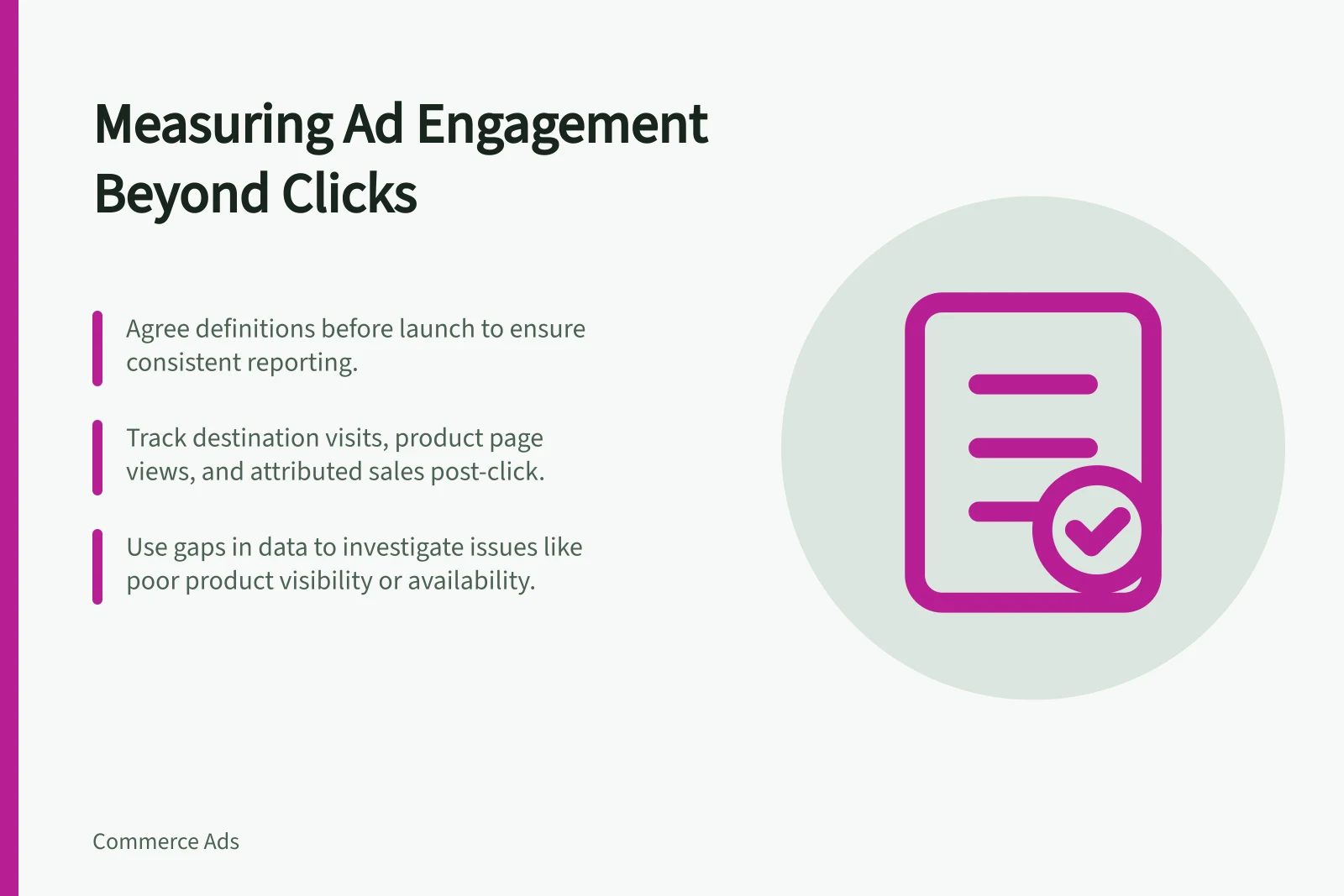
A sponsored click shows that someone acted on an advert. To learn what happened next, measure the steps the retailer can report: arrival at the destination, further page views, visits to relevant product pages and attributed sales. Agree on definitions before launch, because a report may not connect every step to a particular placement.
Map the intended route
A range advert might lead to a branded page and then to several product pages. An advert for one named item may lead directly to its product page. Write down the intended route so the report can be judged against the task, rather than treating every extra page view as success.
Amazon Brand Store Insights reports page visits, pages viewed and sales. Sponsored Brands campaign reporting includes clicks and conversions. These are documented Amazon capabilities for different products, not a single joined journey that every retailer can provide.
| Stage | Question | Limit |
|---|---|---|
| Delivery | Did the advert begin rendering, and was it viewable? | A rendered impression does not mean it was seen. |
| First action | Did someone click? | A click does not establish useful engagement. |
| Destination | Did visitors reach the intended page? | Visit and session definitions may vary. |
| Product consideration | Did they reach relevant product pages? | More views may mean comparison or difficulty. |
| Sales | What sales were attributed? | Attribution is not a causal uplift estimate. |
Map the Intended Route After a Sponsored Click
- DeliveryAd began rendering and was viewable
- First ActionUser clicked on the sponsored ad
- DestinationVisitor reached the intended page (e.g. brand store or product page)
- Product ConsiderationUser visited relevant product pages for comparison or further exploration
- SalesAttributed sales based on retailer’s lookback window and rules
Reporting Capabilities Across Amazon Advertising Products
- Amazon Brand Store Insights
- Page visits, pages viewed, sales
- Sponsored Brands Campaign Reporting
- Clicks, conversions
- Single Joined Journey
- Not available – each product has separate reporting
Key Metrics and Their Limitations
- Rendered Impression
- Does not guarantee visibility
- Click
- No indication of meaningful engagement
- Visit to Destination
- Definitions may vary across platforms
- Product Page Views
- May reflect comparison or difficulty in finding items
- Attributed Sales
- Not a causal uplift estimate – based on retailer rules
Ask how the numbers are made
Ask which metrics the retailer supplies and whether its report links visits or product-page activity to the specific advert. Confirm the reporting period, promoted product set, treatment of returns and the stated attribution lookback window.
If a metric is unavailable, leave a gap in the journey rather than treating another number as its equivalent.
Use the gaps to investigate
Low delivery points first to inventory or eligibility. Clicks without onward product exploration suggest checking whether the destination shows the promised range and makes products easy to find. Product exploration without corresponding sales calls for a review of availability, offer and product details. These are prompts for investigation, not diagnoses proven by the figures.
Record changes to placement, device, creative, destination and stock when comparing periods. An attributed sale is a sale associated with an advert under the retailer’s rules. Use a suitable comparison design if the decision requires that causal claim.
Using Gaps in Data to Drive Investigation
- Low delivery rate
- Check inventory or eligibility status
- Clicks without product exploration
- Review destination page content and usability
- Exploration without sales
- Assess product availability, pricing, and detail quality
- Attributed sale
- Defined by retailer rules – not proof of causality