Retail Media Planning
Part of Comparing UK retail media opportunities
Reviewing category coverage in a retail media proposal
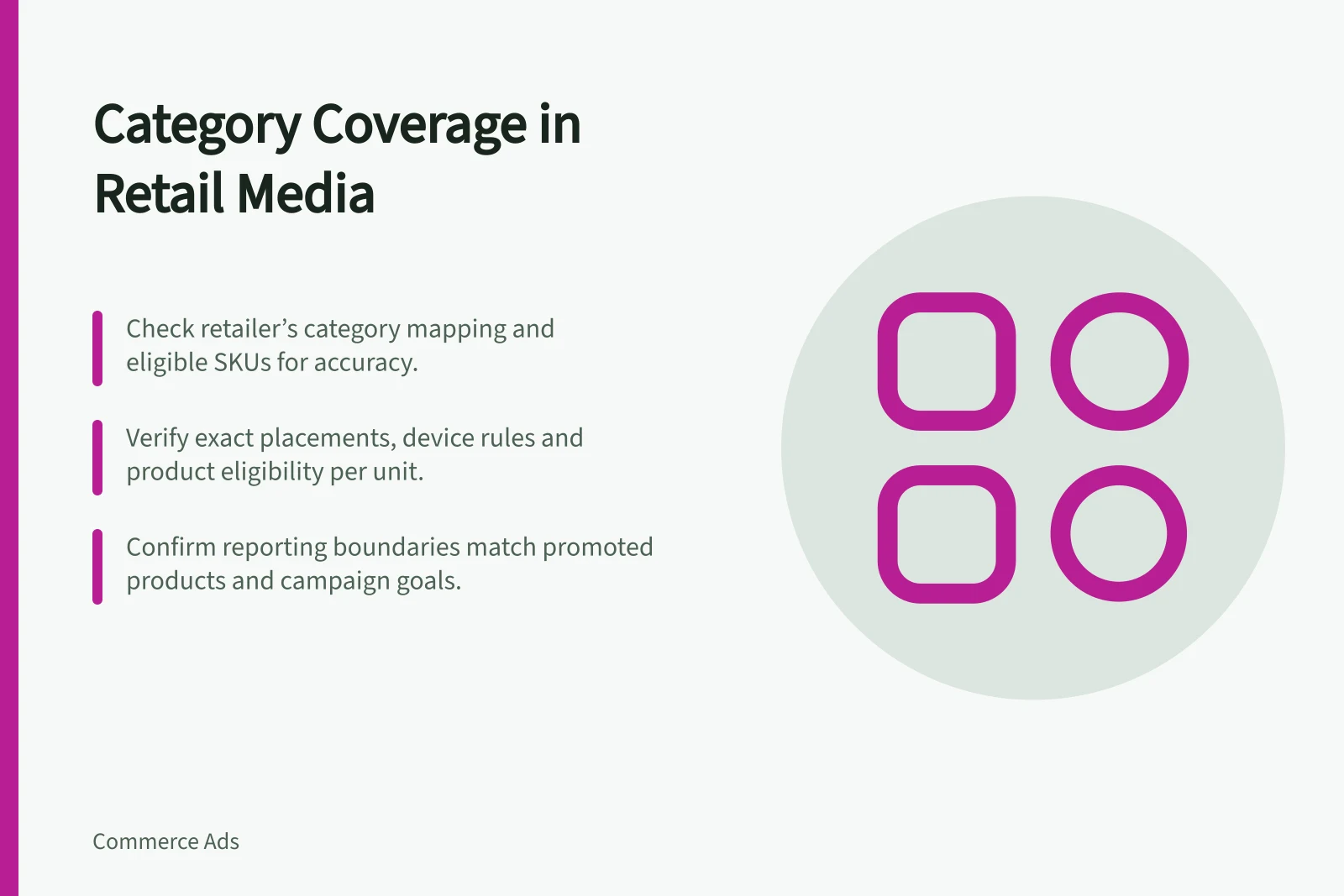
Check whether a retail media proposal covers your products, category placements and reported sales before accepting a line item.
A proposal covers your category only if its placement rules include the products you intend to advertise in a relevant shopping context. Ask for the retailer's category mapping, eligible SKUs and exact placements. A broad claim such as “browse inventory” does not settle those points.
Separate the meanings of category
Category may refer to the retailer's product taxonomy, a page a shopper browses or the products counted in a report. Ask the provider to identify each set for every proposed line item.
| Proposal claim | Evidence to request |
|---|---|
| “Your category is covered” | Retailer category or zone name and qualifying SKUs. |
| “Browse placement is available” | Exact page or app context, unit, dates and matching rule. |
| “The whole range is included” | Eligible variants, exclusions and destinations. |
| “Category sales will be reported” | The promoted products and any wider brand or category products counted. |
Record product eligibility and placement eligibility separately. A listed product does not automatically qualify for every unit on a related page. Check web and app separately where the provider offers different placements.
Check the rules for the proposed unit
Nectar360 describes Sainsbury's Browse In Grid sponsored products within a specific browsed category. Its Zone In Grid products are matched by category to a relevant Zone. Ask the provider for the eligibility rule of any other proposed placement, and which rule governs the unit in your proposal.
Argos lists sponsored-product search and category-browse placements on web and app. An Argos “browse” line item still needs its own category, device and product check. The Sainsbury's banner rules cannot be assumed to apply to it.
Amazon Sponsored Products lets advertisers select products to advertise, with ads appearing in shopping results and on product pages, among other placements. Check product and placement eligibility directly with the provider.
Key Retail Media Platforms and Eligibility Rules
- Sainsbury's (Nectar360)Browse In Grid: category-specific; Zone In Grid: matched by zone
- Argos (Nectar360)Sponsored search & category browse on web and app; each requires separate checks
- Amazon Sponsored ProductsAds appear in shopping results and product pages; eligibility set by advertiser
Resolve gaps before accepting the line item
Compare the qualifying SKUs with the proposed creative, landing page and products expected to be available during the campaign. If only one variant qualifies, a message about the entire range needs changing. Record whether each gap can be fixed, whether the line item can proceed with narrower wording, or whether it fails the brief.
Check the reporting boundary as carefully as the placement boundary. Ask the provider which product set its report actually uses before treating a category figure as evidence for a particular item.
Keep the decision record short: eligible products, approved placements and any unresolved product or reporting boundaries.