Retail Media Planning
Part of Cross-retailer reporting
Recording gaps when retailers disclose different data
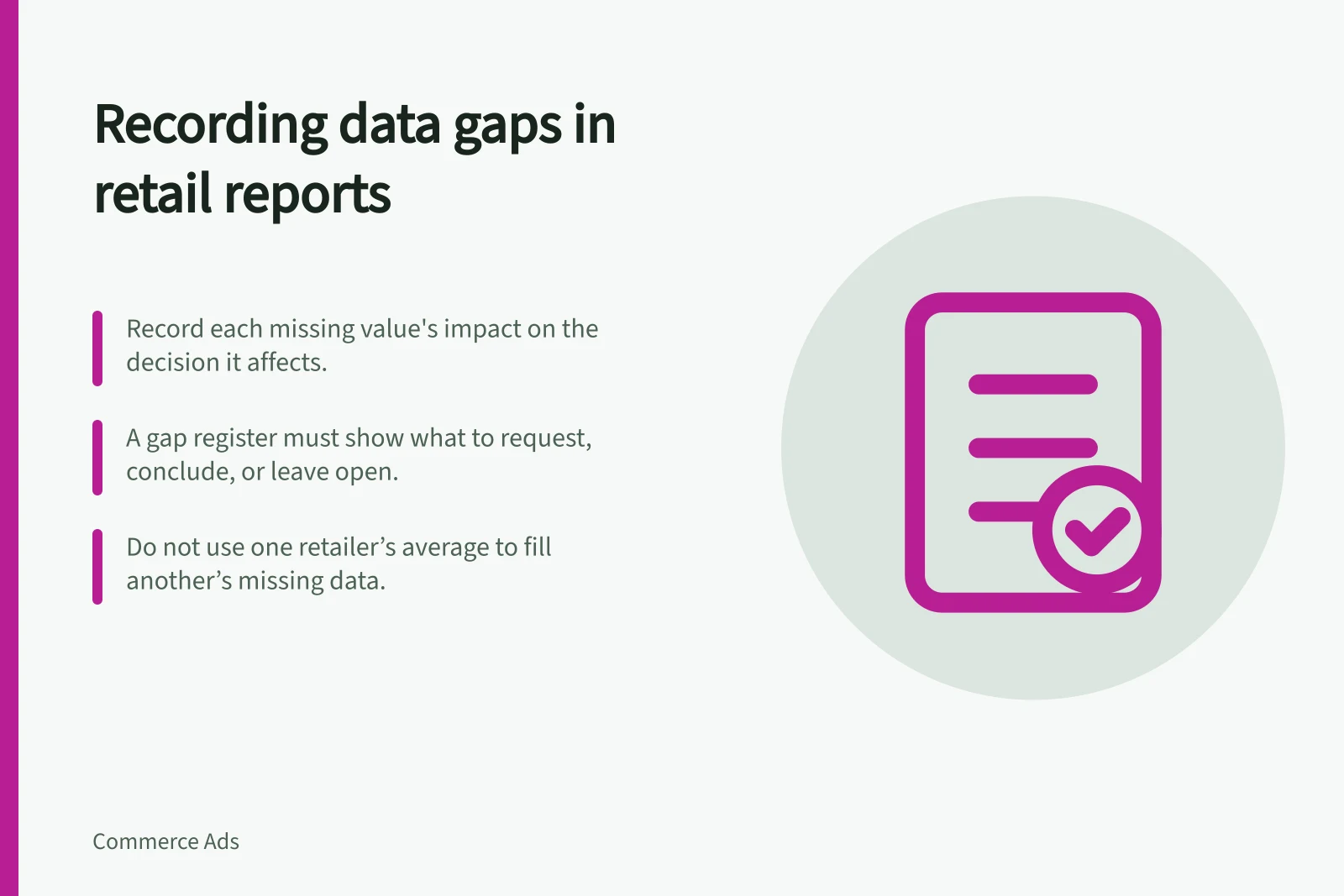
Use a reporting gap register to distinguish missing definitions, unavailable fields and measured zeroes across retailers.
When retailers disclose different fields, record each gap beside the decision it affects. A missing value is not zero. A value with an unknown definition must not enter a cross-retailer total. A gap register should show what to request, what can still be concluded and what must remain open.
Start with the decision behind the field
List the questions the report must answer and the minimum evidence for each. A delivery check needs the agreed booking and delivered activity. A sales comparison needs product, transaction, customer and attribution boundaries.
Keep the retailer’s original field label and assign a clear status for each value supplied, such as whether it comes with a definition, is missing, or is known to be zero. If a data extract is delayed or preliminary, note its status and that it may be subject to revision rather than calling it final.
Key steps to manage data gaps in cross-retailer reporting
- Identify the decision each data field supports
- Retain the retailer’s original field label
- Assign a clear statusdefined, missing, known zero, or preliminary
- Note if a data extract is delayed or subject to revision
Record the consequence
For each gap, note the relevant details such as the retailer, campaign, metric, and any missing information, along with the affected decision. Describe the consequence precisely. If one provider supplies only gross attributed sales and another supplies net sales, a net-sales comparison needs suitable adjustments or another extract. If a provider supplies only a combined click-and-view outcome, it cannot support a click-only comparison across partners.
Do not assume that access to a report also gives access to an API, clean room or underlying customer records. Ask the provider what is available for the booked campaign and account.
Impact of incomplete data on cross-retailer sales comparisons
- Provider A
- Gross attributed sales only
- Provider B
- Net sales with full attribution
- Provider C
- Combined click-and-view outcome
Keep partial comparisons honest
A comparison may proceed on a narrower documented basis. State which retailers contribute to each total and which are excluded. If two of three partners provide compatible net-sales figures, label the result as covering those two. Keep the third retailer’s figure in its own view if it is useful there.
Do not fill absent observed data with another retailer’s average. If a planning scenario needs an estimate, label it separately with its assumptions and uncertainty.
Managing data gaps in cross-retailer media planning
- Document which retailers contribute to each total
- Exclude incomplete data from primary totals
- Keep excluded figures in separate views for context
- Never fill missing data with averages from other retailers
- Label estimates separately with assumptions and uncertainty
Resolve the gap or narrow the claim
At handoff, mark each material gap as either resolved with a revised extract or definition, accepted with a narrower claim, or still open and blocking the intended comparison. Retain the original and corrected extracts. Keep any open item beside a recommendation so a later summary does not turn an unknown into a measured fact.
Data gap management outcomes at handoff
- Gaps resolved with revised extract or definition
- Gaps accepted with narrower claim
- Gaps still open and blocking comparison